FOR HEALTHCARE TEAMS
What you say is what appears — verbatim, every time. No AI generation, no hallucinations, no data stored beyond your encrypted email address. Speech Recognition Cloud Medical works in any Windows clinical or practice system. Free 30-day trial above.
No credit card. Per-person licence — use it on as many computers as you work on. Reverts to the free tier after 30 days unless you upgrade.
Full Medical Ultra functionality. No credit card required.
Speech Recognition Cloud Medical is verbatim voice dictation software for Windows 10 and Windows 11. A healthcare worker speaks into a microphone, the words appear at the cursor in whatever Windows application is open — a practice management system, an allied health platform, a hospital EMR, Microsoft Word, Outlook, Teams, a pharmacy system, an NDIS portal. The words that appear are the words you said. There is no AI rewriting, no AI summarising, no AI generation step of any kind. What you say is what you get.
That verbatim design is the whole point. Because there is no AI generating content, the team member writes the record by speaking it; the software just types what they say. The Medical plan adds the specialised medical vocabulary, ultra-accuracy clinical mode, the companion mobile app, dedicated support, and one-on-one training. It is built and supported by an Australian company with 28 years of speech-technology deployment across Australian hospitals, GP practices, allied health, pharmacy, and government health departments — with customers across the US, UK, Canada, New Zealand, and Europe.
It works with every Windows-based system used in healthcare because it dictates at the cursor at the operating-system level — not as a plugin or per-system integration. In Australia that includes general practice systems (Best Practice, Medical Director, Genie, Communicare, Helix); allied health platforms (Splose, Cliniko, Halaxy, Power Diary, Coreplus, Nookal); pharmacy software (Fred Office, Minfos, LOTS, Z Dispense); aged care platforms (Person Centred Software, AutumnCare, iCareHealth); and the various NDIS provider tools. Internationally it works in Epic, Cerner (Oracle Health), Athenahealth, eClinicalWorks, EMIS Web, SystmOne, Vision, and the other major clinical systems. It also works in Microsoft Word, Outlook, Teams, OneNote, browser-based hospital portals, and any other Windows application you can click into and type into.
The trade-off: the desktop application is Windows-only — there is no native macOS or ChromeOS version. The companion mobile app for iPhone and Android partially mitigates this for Mac-based team members through remote-desktop tunnelling and Voice Notes mode, but the desktop application itself is Windows only. Practices with mixed environments usually deploy SRC on the Windows clinical workstations and Mac-based team members use the mobile app to deliver dictation to the shared Windows machines.
$439 USD per year per person for the Medical plan, with a free 30-day trial of full Medical Ultra functionality available through the form on this page. The licence is per person and can be used on as many computers as that person works on — desktop at the practice, laptop at home, workstation at the hospital, all on the same licence at no extra cost. Licences cannot be shared between team members because each personal vocabulary, template library, and preference set is tied to the individual account.
After the 30-day trial, the software reverts to the non-medical Free tier (20 minutes per month, general vocabulary) unless you upgrade. There is no automatic charge — your card is not held, nothing renews silently. You either choose to upgrade to Medical or the software stays on the Free tier. For team rollouts, healthcare practices typically issue trials to several team members simultaneously to evaluate fit across roles before committing to broader deployment.
Verbatim voice dictation suits four healthcare workflows particularly well: nursing assessments, triage, and care planning at the workstation; allied health assessment reports, progress notes, and NDIS documentation; community pharmacy medication reviews, clinical interventions, and dispensing notes; and ward rounds, home visits, and bedside documentation through the mobile app. Each one is covered below in detail.
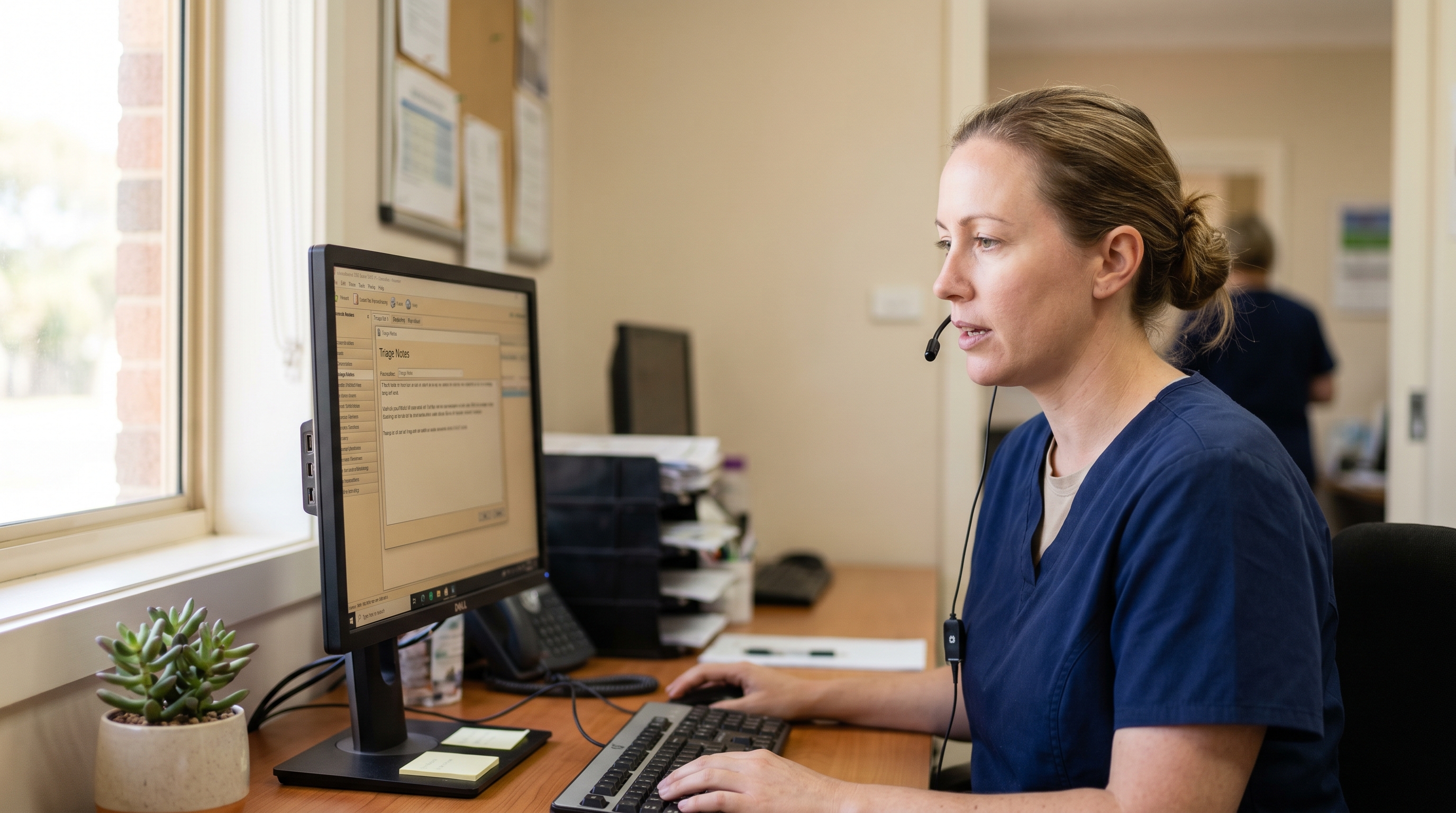
Practice nurses, hospital ward nurses, aged care nurses, occupational health nurses, and community nurses spend a substantial fraction of every shift on documentation — triage assessments, vital observations, care plans, discharge teaching records, vaccination records, wound care notes, and the long chain of handover documentation that keeps a patient's care moving safely between shifts and settings.
Verbatim dictation suits this work for the same reason it suits clinician dictation: it converts spoken clinical reasoning directly into typed documentation, without the keyboard step in between. A practical pattern that works across most nursing settings:
The compounding effect is real: a practice nurse doing 25 to 40 triage assessments and vaccination encounters a day will save meaningful time across a week. The first half-day feels awkward; by the end of the second day, most nurses describe the workflow as faster than typing.
Physiotherapists, occupational therapists, speech pathologists, psychologists, dietitians, exercise physiologists, podiatrists, and the other allied health professions share a documentation profile that is unusually well-suited to voice dictation. The writing is mostly prose, the reports are usually long, and the cadence of "assess, document, treat, document" repeats many times a day. Allied health is often where the largest per-clinician time savings show up.
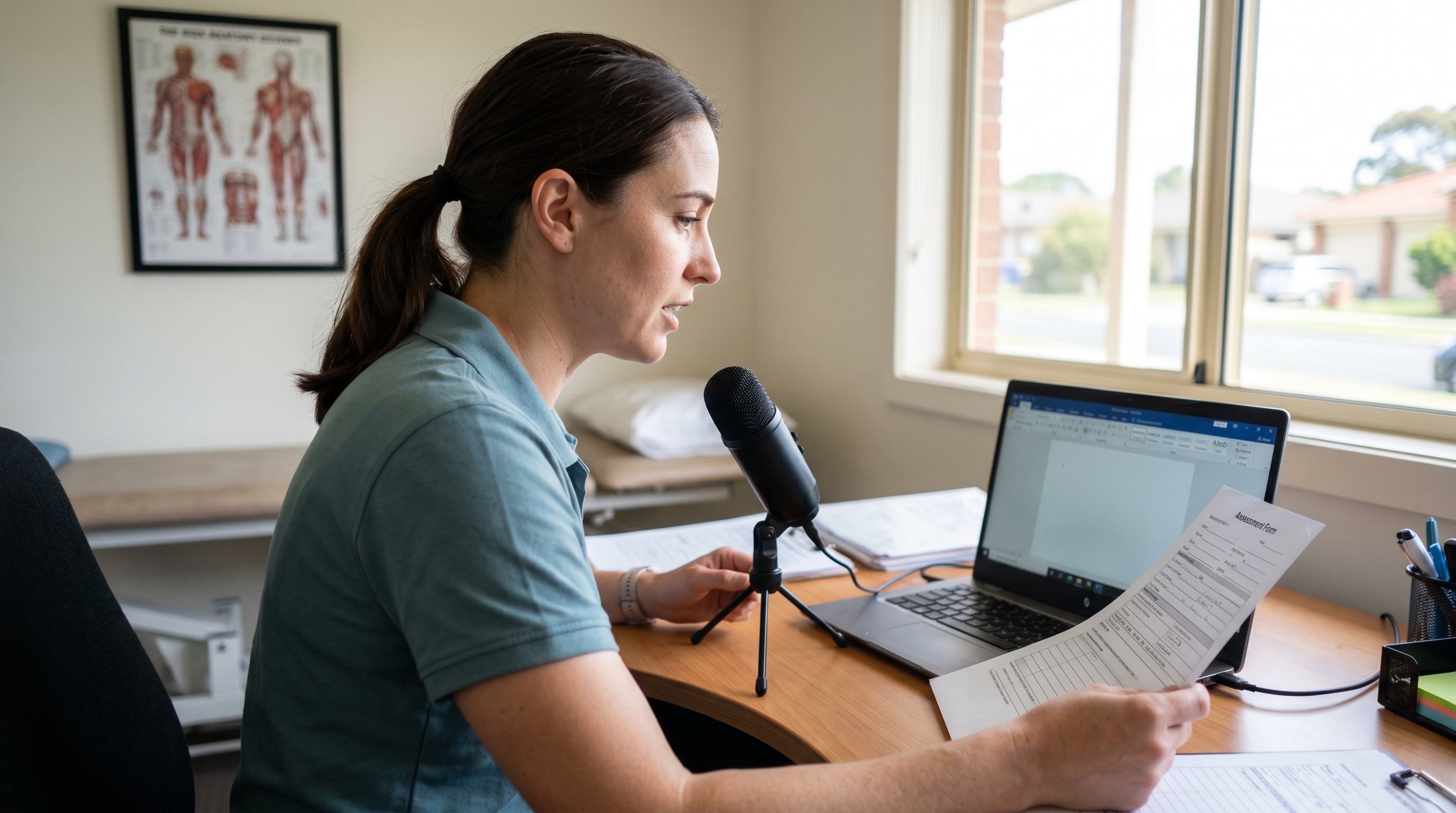
Patterns that compound:
Allied health practices considering a team rollout typically trial Medical licences for two or three team members first — the practitioners with the heaviest report writing load — before broader deployment. The 30-day trials let practices see the time recovery on real reports before committing.
Community pharmacy has quietly become one of the most documentation-heavy healthcare settings in Australia, the UK, and the US. Home Medicines Reviews, Residential Medication Management Reviews, MedsCheck consultations in Australia; New Medicine Service consultations in the UK; Medication Therapy Management visits in the US — all involve substantial narrative writing on top of the structured assessment forms.
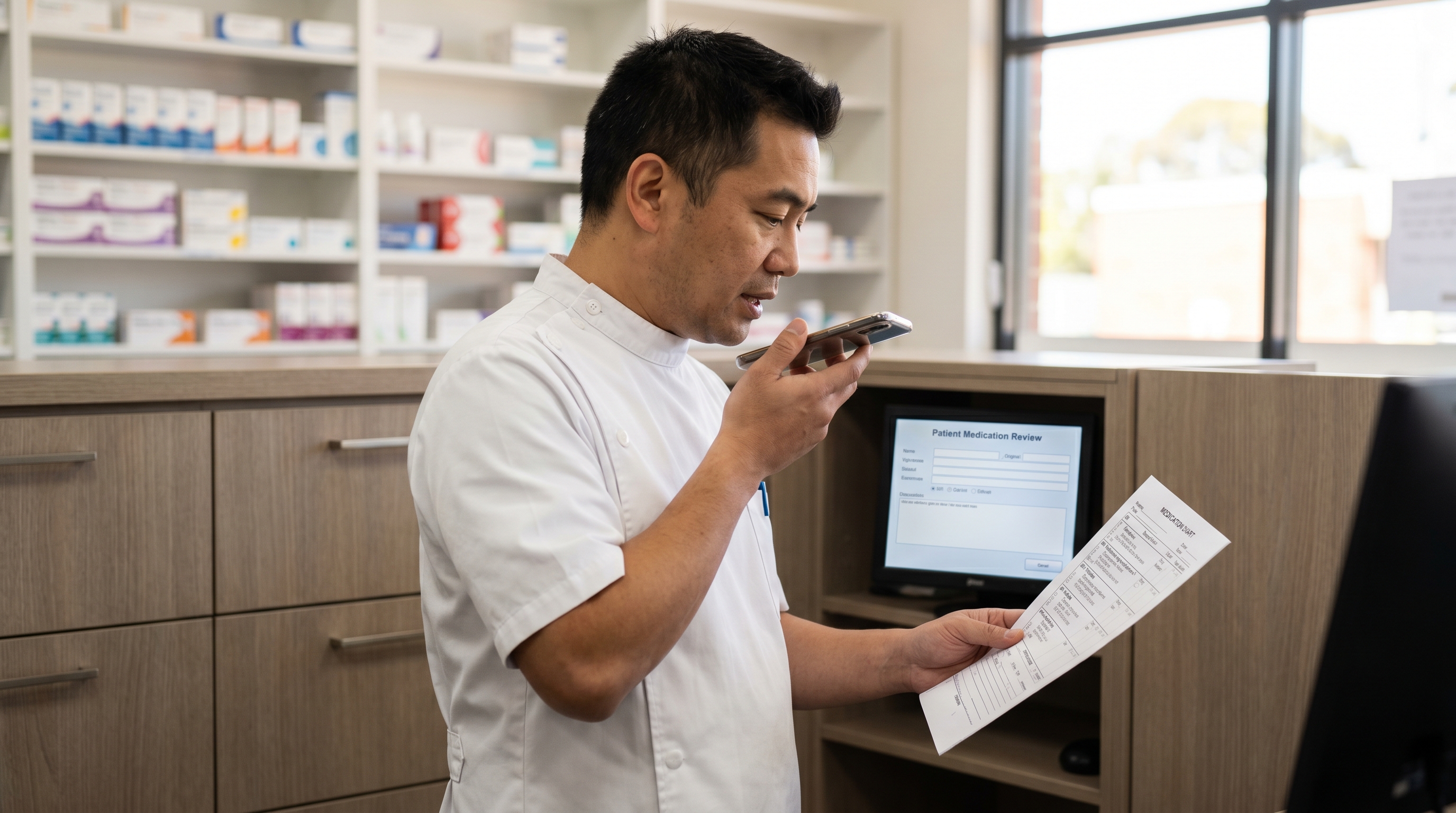
Verbatim dictation fits pharmacy practice for one workflow-specific reason: pharmacists are usually reading from something while they document — a medication chart, a discharge summary, a prescriber's referral, a patient's own list. Dictation lets them keep their eyes on the source document while the words go into the report. The mobile app is particularly relevant in pharmacy because the consulting bench is often shared and a personal smartphone is the cleanest microphone option for the next pharmacist on shift.
Workflows that work:
This is the workflow where most desktop dictation tools fall over and where the Speech Recognition Cloud mobile app earns its place. The clinical reality of a ward round, an aged-care visit, an NDIS in-home assessment, or a community nurse round is that the team member is not at a workstation. Documentation either happens after the round (delayed, less accurate, often skipped) or it happens through whatever portable input the team member can carry.
The mobile app handles this in two distinct modes:
The hygiene angle matters here and is worth being explicit about. Shared desktop microphones at nurses' stations and ward workstations have always been a hygiene compromise — they are touched by many clinicians and nurses across a shift, they are difficult to clean to a clinical standard, and they are a known surface for healthcare-associated infection transmission. They also have a habit of disappearing. A team member using their own smartphone, kept in their own pocket, removes both problems entirely.
Speech recognition, AI scribes, ambient documentation, and meeting transcription are different categories of product. They are often discussed as if they were interchangeable, and the resulting confusion costs healthcare teams money on the wrong tool for their workflow. Worth being explicit about what Speech Recognition Cloud Medical does not do.
No. Speech Recognition Cloud Medical is verbatim cursor-based dictation, not ambient AI documentation. The team member speaks, the words appear at the cursor, the team member reads them back. There is no background listening during consultations or assessments, no AI-generated summary of what was said, and no automatic structuring of conversation into a structured note. If you want ambient documentation, an AI scribe is the right category of product — different tool for a different workflow. If you want fast, accurate, predictable dictation where what you say is what gets written, that is what we do.
No. Meeting transcription tools join video calls, record both sides of a conversation, and produce a searchable transcript. Audio file transcription services accept a recording and return a transcript by email some minutes or hours later. Speech Recognition Cloud Medical is neither. It transcribes your live speech into the application you are currently working in, verbatim.
No. The Medical plan is verbatim only — there are no AI generation features in it. AI rewriting, AI summarisation, AI completion, and AI-generated alternatives are all explicitly excluded from the Medical plan. The words you speak are the words that appear on screen. This is deliberate: keeping AI out of the data path means there is no possibility of the software inventing content, restructuring your meaning, or introducing hallucinations into a clinical record. The team member writes the record by speaking it; the software just types what they say.
No. Speech Recognition Cloud Medical is verbatim dictation software with a specialised medical vocabulary — a productivity tool for clinical documentation. It does not generate, interpret, or validate clinical content; the team member writes the record by speaking it, and the team member retains full responsibility for accuracy and clinical appropriateness, the same as for a typed note. It is not marketed or intended for diagnostic, therapeutic, or patient-management use. Healthcare organisations should make their own determination — through their information governance, clinical safety, and procurement processes — about how a dictation tool fits their local regulatory and clinical-safety frameworks before deploying it on clinical devices.
No — and it would be dishonest to suggest otherwise. The administrative burden across healthcare is structural: it comes from accreditation frameworks, funding-body audit requirements, indemnity and medicolegal documentation expectations, regulatory reporting obligations, and clinical systems that prioritise data capture over team workflow. Verbatim dictation is a productivity tool that changes how fast a team member can produce a given paragraph of prose — it does not change how many fields and forms the system requires. The relief is real but bounded. For most teams it claws back somewhere between two and six hours per person per week on the prose-heavy roles, which compounds across a clinical year. For some roles — administrators whose work is mostly structured-field data entry — the gains are smaller. Trial it on the workflows that actually involve writing.
Three questions worth working through with your practice manager, principal owners, or IT lead before deploying Speech Recognition Cloud Medical across the team: what data leaves the workstation, what data is stored anywhere, and how will the team handle dictation in shared clinical spaces.
The data-protection and clinical-record frameworks that govern healthcare dictation vary by jurisdiction. The three most relevant for our visitors are covered below. Each healthcare organisation should make its own determination about how Speech Recognition Cloud Medical fits its local regulatory, information-governance, and clinical-safety frameworks.
REGIONAL CONTEXT — AUSTRALIA
That is a decision for your service's own information governance review — but the data handling makes the conversation a short one. The Australian Privacy Principles treat health information as sensitive information under the Privacy Act 1988 with stricter handling expectations than general personal information. The fact that Speech Recognition Cloud Medical stores no clinical data — only an encrypted email address — simplifies the IG conversation considerably. Audio is processed in memory and immediately erased, transcripts are not retained, custom vocabulary stays on the device, and our staff cannot access either audio or transcripts. There is no clinical data on our servers to breach.
Australian practice management and allied health platforms. The cursor-based approach works inside Best Practice, Medical Director, Genie, Communicare, Helix in general practice; Cliniko, Splose, Halaxy, Power Diary, Coreplus, Nookal across allied health; Fred Office, Minfos, LOTS in pharmacy; Person Centred Software, AutumnCare, iCareHealth in aged care; and the various NDIS provider tools. No per-system certification, no plugin, no configuration.
AHPRA record-keeping expectations. AHPRA's professional standards across the regulated professions — medical, nursing and midwifery, pharmacy, physiotherapy, occupational therapy, psychology, dietetics, and the others — expect contemporaneous, accurate, complete, and legible records. Verbatim voice dictation supports all four: the note is produced at or near the time of the encounter rather than retrospectively, the dictating team member is the named author with no intermediary, the prose form encourages more complete documentation than typed shorthand, and the typed output is by definition legible. Reading the note back before saving is the team member's responsibility, the same as for typed notes.
NDIS Quality and Safeguards Commission, Aged Care Quality Standards, and the Notifiable Data Breaches scheme. NDIS providers, aged care providers, and any APP entity above the small-business turnover threshold need to consider how cloud dictation fits their information-handling obligations and breach response. The relevant material to provide your IG and quality teams is our privacy and data-handling statement, which sets out plainly that we store no clinical content of any kind.
MBS-billable services and documentation. Dictation does not change what documentation an MBS item requires — that is set by the item descriptor and the supporting guidelines. It just changes how the note gets written. For practitioners doing MBS-billable allied health items, chronic disease management plans, mental health treatment plans, and the various nursing and pharmacy professional services, dictation typically pays for itself in the first month on report-writing time alone.
For broader voice-technology procurement in Australian healthcare — including hospital deployments, Dragon Medical One licensing for clinicians who specifically need that product, NDIS-funded clinician deployments, on-site training, and team rollouts — our parent business operates a dedicated medical and healthcare collection at Voice Recognition Australia, supplying Australian healthcare for over 25 years.
REGIONAL CONTEXT — UNITED STATES
HIPAA compliance is a property of a deployment, not a software product — it depends on how the tool is used and what agreements are in place between the covered entity and any service providers. Speech Recognition Cloud Medical's underlying data handling supports HIPAA-compliant deployment for healthcare teams: audio is processed in memory only and immediately erased, transcripts are never stored on our servers, custom vocabulary stays on the device, our staff cannot access audio or transcripts, all connections are encrypted in transit, and AI features are excluded from the Medical plan by design. The only thing we store anywhere is your encrypted email address. US healthcare teams should review our privacy statement against their own Security Risk Analysis before deploying across the team.
US clinical and allied health systems. The cursor-based approach works inside Epic, Cerner (Oracle Health), Athenahealth, eClinicalWorks, NextGen, Allscripts (Veradigm), Practice Fusion, and the other major US clinical systems. It also works inside the major US allied health platforms (WebPT, Jane, ClinicSource, TherapyNotes), pharmacy systems, and the standard Microsoft 365 surfaces used for clinical correspondence. No per-system certification, no plugin, no configuration.
Business Associate Agreements. Covered entities deploying Speech Recognition Cloud Medical across a healthcare team should obtain a Business Associate Agreement covering the use of the cloud transcription service. Contact us to discuss BAA terms for team deployments.
Independent and group practice across the wider team. For US allied health practices, pharmacy chains, nursing services, and group practices, the cost difference between Speech Recognition Cloud Medical and legacy enterprise dictation products is substantial — particularly when licensing across a team of 10 to 100 staff rather than only the prescribing clinicians. The 30-day trial is the standard way to evaluate fit on real workflows.
REGIONAL CONTEXT — UNITED KINGDOM AND EUROPE
Speech Recognition Cloud Medical is verbatim dictation software. Individual NHS staff can use it for personal documentation workflows on permitted devices, but any deployment beyond individual use should go through the trust's IG and clinical-safety functions for review against frameworks like DCB0129 and DTAC. Under UK GDPR and EU GDPR, health data is special category data — and the fact that we store no clinical content of any kind (only an encrypted email address) simplifies the DPIA conversation considerably. The data flows are: audio processed in memory and erased, transcripts not retained, all connections encrypted.
UK clinical systems and allied health platforms. The cursor-based approach works inside EMIS Web, SystmOne (TPP), Vision, and Adastra in primary care; inside the major NHS hospital EPR systems where Windows-based clinical workstations are used; inside private allied health platforms (TM3, WriteUpp, ClinicOffice); and inside the standard Microsoft 365 surfaces NHS staff use for correspondence and documentation. No per-system certification.
NHS Digital, DCB0129/DCB0160, and DTAC. NHS deployment of any software used in clinical workflows typically involves the Digital Technology Assessment Criteria and, where relevant, the clinical risk management standards DCB0129 (manufacturer responsibility) and DCB0160 (deploying organisation responsibility). Teams considering deployment on NHS-managed devices should consult their trust's IG and clinical-safety functions before installation, particularly for any deployment beyond individual use.
EU healthcare teams. The data-flow position is the same across the EU under GDPR — health data is special category data under Article 9, and the data-handling questions for cloud dictation are the same as in the UK. EU-based healthcare teams should confirm with their national data-protection authority and their organisation's data-protection officer whether Speech Recognition Cloud Medical's data flows align with their processing register. Given that no clinical content is stored on our infrastructure, that conversation is usually short.
Languages. The Medical tier and its specialised medical vocabulary are currently English-only.
Four steps, about ten minutes from install to first note: install Speech Recognition Cloud Medical (use the form on this page for the free 30-day trial), set up a microphone (a USB headset or your smartphone via the mobile app), open the application you write in most, then dictate the entry in plain language. Punctuation is automatic. What you say is what appears, verbatim. The detailed walkthrough is below.
Fill out the form on this page to get the 30-day Medical trial. Install on a Windows 10 or Windows 11 computer. Plug in a USB headset if you have one, or install the mobile app on your iPhone or Android — the app turns your phone into a wireless microphone, which is the cleanest option in shared clinical environments. Allow microphone access when Windows prompts. No voice training, no enrolment, no calibration.
Open the application your team uses for documentation — Best Practice, Medical Director, Genie, Communicare, Cliniko, Splose, Halaxy, Power Diary, Fred Office, your hospital EMR, or whatever your role requires. Click into the notes, report, or correspondence field you want to dictate into. Speech Recognition Cloud Medical dictates directly at the cursor — there is no separate dictation window, no copy-paste step, and no fallback to a holding box if the application's text editor is non-standard.
Start dictation. Describe what you need to record in plain language — for example, for a physiotherapy progress note: 'Patient attended for second session. Reports right shoulder pain has reduced from 7 out of 10 to 4 out of 10. Range of motion improved through abduction and external rotation. Continued with the prescribed home exercise programme. Plan: review in two weeks, progress to resistance band exercises if tolerated.' Speak naturally. Punctuation is handled automatically — no need to say 'full stop' or 'comma.' What you say is what appears, verbatim.
Read the entry. Edit by voice or keyboard for any patient-specific terms the system did not catch — add them to your personal vocabulary as you go so they transcribe correctly thereafter. Save the entry into your practice management system. Most healthcare team members describe the first few entries as awkward and the workflow becoming natural within a single half-day of use.
If after a half-day of use it still feels slower than typing, dictation may not suit your style — and that is a useful thing to discover after one trial rather than three months in. For more setup help, see the getting-started walkthrough.
Five tips that compound across a year: build a personal vocabulary in the first week, save the standard phrases each role uses as templates, draft first and polish later, use the mobile app as a wireless microphone in shared clinical spaces, and read every entry back before saving. The last one is the discipline that separates teams who use dictation well from teams who get into trouble with it.
Patient and client surnames that do not transcribe correctly first time, your colleagues' names, local hospital and ward names, NDIS plan-management terminology, scheme-specific acronyms (NDIS, MBS, DVA, RACGP, QCPP, AGPAL, ACSQHC), and the small handful of drug names or clinical terms the system does not catch first time — add them to your personal vocabulary as you go. Personal vocabulary stays on your own device — it is not sent to or stored on our servers. Practices with a strong vocabulary culture across the team get noticeably cleaner output across the year.
Practice nurses save their triage opening, vaccination record format, and standard observation phrasing. Allied health practitioners save the structure of assessment reports, the standard NDIS report scaffolding, and the closing language for school and GP letters. Pharmacists save the framing for medication reviews and clinical intervention notes. Doctors save consult-note structures and referral formats. Templates work for the standardised scaffolding; verbatim dictation handles the patient-specific content in between.
Do not try to dictate a perfect first sentence. Dictate the rough version of the whole entry, then read it back and tighten the bits that need tightening. Trying to speak polished prose in real time slows almost everyone down — and healthcare documentation does not need to be polished prose. It needs to be accurate, complete, contemporaneous, and legible.
A USB headset is fine in a private office or consulting room. In a shared clinical space — a ward, a treatment area, a dispensary bench, an open-plan allied health gym, a reception back-office — the mobile app on the team member's own phone is usually better. It eliminates the hygiene issues of shared desktop microphones, keeps dictation private from clients and colleagues nearby, and means the microphone is always with the team member rather than tethered to a workstation. For ward rounds and home visits, Voice Notes mode lets the team member dictate completely away from the PC and have the document waiting on the screen when they get back.
This is the discipline that separates teams who use dictation well from teams who get into trouble with it. Read the entry back on screen before saving it to the patient or client record — the same way you would read a typed entry. The reading-back step is fast (seconds, not minutes) and it catches the small transcription errors that can carry clinical or legal weight: "no" transcribed as "now," a patient name that swapped with the previous client's, a drug name that came through as a similar-sounding term. The system is accurate; the team member is responsible.
Every feature designed around real healthcare workflows — in practices, hospitals, pharmacies, and on the move.
There is no AI generation step in Speech Recognition Cloud Medical. The words you speak are the words that appear on screen — no rewriting, no summarising, no AI hallucinations. The team member writes the record by speaking it; the software just types what they say. Keeping AI out of the data path means there is no possibility of the software inventing or restructuring content in a patient note.
No audio. No transcripts. No custom vocabulary. No voice profiles. No dictation history. No clinical content of any kind. The only thing we store anywhere is your email address, and it is encrypted. Audio is processed in memory and immediately erased. Transcripts go to your cursor and are never copied to our servers. Personal vocabulary stays on your own device. There is nothing for us to lose, leak, or hand over because nothing is there.
The Medical plan includes a mobile app for iPhone and Android that turns each team member's smartphone into a wireless microphone for Speech Recognition Cloud Medical on the PC. Hold your phone, dictate, and the text appears in whichever Windows application has the cursor on your computer. In clinical environments this eliminates shared desktop microphones entirely — no hygiene concerns, no theft, no cleaning protocols, no microphones disappearing off wards.
Voice Notes mode lets the team member dictate completely away from the computer — on a ward round, at a patient's bedside, on a home visit, in the car between aged-care facilities. The transcription is created on the phone and then automatically delivered to the open Speech Recognition Cloud session back at the PC. When the clinician or nurse returns to their computer, the completed document is already there. You can do an entire ward round without ever looking at a screen.
Speech Recognition Cloud Medical works directly at the cursor in every Windows application — Best Practice, Medical Director, Genie, Communicare, Cliniko, Splose, Halaxy, Fred Office, hospital EMRs, Outlook, Word, Teams. There is no separate dictation window, no copy-paste step, and no fallback to a holding box if the application's text editor is non-standard. Text appears exactly where the cursor is, and team members can switch between applications instantly without reconfiguring anything.
No need to say "full stop," "comma," or "new line." Speech Recognition Cloud Medical handles punctuation automatically based on the natural rhythm and structure of speech. This is a meaningful workflow improvement over dictation products that require spoken punctuation commands — healthcare dictation flows more naturally when team members can speak the entry rather than narrate the punctuation.
The medical vocabulary is maintained and updated continuously in the cloud. New drug names, clinical terminology, and procedural terms are added without anyone needing to install updates or purchase new versions. Teams can also add their own custom terms, abbreviations, and organisation-specific language through the built-in vocabulary editor — and that personal vocabulary stays on the device, never sent to our servers.
A Speech Recognition Cloud Medical licence is per person and can be used on as many computers as that person works on — desktop at the practice, laptop at home, workstation at the hospital, all on the same licence at no extra cost. The only rule: licences are per person, not shared between team members, because the personal vocabulary, templates, and preferences are tied to the individual account.
See Speech Recognition Cloud Medical in action with a real healthcare workflow.

Mark S.
Adelaide
"Thank you very much for providing me with the free access. I am using it right now to create this email."
Carrie H.
Wollongong
"I've only been using it for a few minutes, but it is extremely accurate and quite easy to use."

J.H.L
Perth
"Automatic punctuation without having to say comma or full stop is brilliant!"
T.M
Brisbane
"I've been using it for 5 minutes and it's already better than any old dictation product. And free? Thanks!"
No audio. No transcripts. No vocabulary. No voice profiles. No dictation history. The only thing we store anywhere is your email address — encrypted. Audio is processed in memory and immediately erased. All connections encrypted. No AI generation. Verbatim only.
Read our privacy policy →It is built for everyone in a healthcare team who has to write down what just happened — doctors, nurses, pharmacists, physiotherapists, occupational therapists, speech pathologists, psychologists, dietitians, paramedics, allied health managers, and the clinical administrators who maintain patient records. The Medical plan is the right plan for any role where patient or client content is being written, because the medical vocabulary handles clinical terminology accurately and the Medical plan deliberately excludes AI features — what you say is what appears, verbatim, every time.
Almost certainly, yes. Speech Recognition Cloud Medical dictates at the cursor in any Windows application — Best Practice, Medical Director, Genie, Communicare, and Helix in Australian general practice; Splose, Cliniko, Halaxy, Power Diary, Coreplus, and Nookal across Australian allied health; Fred Office, Minfos, and LOTS in pharmacy; Person Centred Software, AutumnCare, and iCareHealth in aged care; Epic, Cerner (Oracle Health), Athenahealth, eClinicalWorks, EMIS Web, SystmOne, Vision; plus Microsoft Word, Outlook, Teams, and any other Windows application you can click into and type into. It does not integrate platform-by-platform — it operates at the operating-system level — which is why it works across all of them without per-platform setup or certification.
They are different categories of product. An AI medical scribe listens to a clinical conversation in the background and generates a note from it — the AI is writing the note. Speech Recognition Cloud Medical is verbatim: you speak, the words appear at the cursor, exactly as you said them. There is no AI generation step. The clinician's words are the record, not an AI summary of the consultation. That matters for accuracy, and for the simple practical reason that you never have to wonder whether the AI invented something. What you say is what you get.
Because the clinician — not the software — writes the record. You speak, the words appear at the cursor, you read them back, you save. There is no AI rewriting, no AI summarising, no automatic interpretation of clinical content. That makes the data flow simple to explain to your information governance lead and removes any concern about an AI inventing or restructuring something in a patient note. It also makes the team member's responsibility clear: the same as a typed note — read it back before saving.
No. The only thing we store is your email address, which is encrypted. No audio. No transcripts. No custom vocabulary. No voice profiles. No dictation history. No clinical content of any kind. Audio is processed in memory and immediately erased — never written to disk on our servers, never retained, never accessible to our staff. Transcribed text is delivered to the cursor on your own computer; we do not retain a copy. The custom vocabulary you build stays on your own device. There is nothing for us to lose, leak, or hand over because nothing is there.
The mobile app does two things. First, it turns your iPhone or Android into a wireless microphone for Speech Recognition Cloud Medical on your Windows PC — you hold your phone, dictate, and the text appears in whichever Windows application has the cursor. That eliminates shared desktop microphones in hospitals and clinics: no cleaning protocols, no hygiene issues, no microphones disappearing off wards. Second, it has a Voice Notes mode where you dictate completely away from your computer — on ward rounds, on home visits, in the car between aged-care facilities — and the completed transcription is automatically delivered to your open Speech Recognition Cloud session back at the PC. When you return to your computer, the document is already there, ready to paste into the patient record. You can do an entire ward round without ever looking at a screen.
Yes — a Speech Recognition Cloud Medical licence is per person and can be used on as many computers as that person works on. A clinician who uses a desktop at the practice, a laptop at home, and a workstation at the hospital can log in on all three with the same licence. The only rule is that licences are per person, not shared between team members — each team member needs their own licence because the personal vocabulary, templates, and preferences are tied to the individual account. There is no per-device fee.
Yes. Each team member logs in with their own Speech Recognition Cloud Medical account, which means personal vocabulary, templates, and preferences follow the person rather than the workstation. On a shared computer, the next team member logs in and gets their own configuration with no spillover. For the shared microphone problem — which is a real infection-control concern in hospitals and clinics — the mobile app lets each team member use their own smartphone as a wireless microphone, removing shared hardware from the equation entirely.
Speech Recognition Cloud Medical is free for 30 days when you fill out the form above. Full Medical Ultra functionality, the medical vocabulary, the mobile app, dedicated support, and one-on-one training are all included in the trial. After 30 days the software reverts to the non-medical Free tier (20 minutes per month, general vocabulary) unless you upgrade. There is no automatic charge — your card is not held, nothing renews silently. You either choose to upgrade to Medical or the software stays on the Free tier.
The Speech Recognition Cloud desktop application is Windows 10 and Windows 11 only — Mac support is on our roadmap with no current ETA. The mobile app partially covers this gap for Mac-based team members: it tunnels audio through remote-desktop connections, so a team member on a Mac remoting into a Windows clinical workstation can dictate normally, and Voice Notes mode delivers transcribed documents to a shared Windows PC that anyone can collect them from. It is not a perfect substitute for native Mac support, but it covers the common workflows.
NDIS progress reports, support plans, behaviour support plans, capacity-building reports, allied health assessment reports, and the longer narrative components of these documents are exactly the kind of writing dictation accelerates the most. The structured fields and tick-box sections still need clicks, but the prose sections — which is where the writing time goes — convert well to voice. The Medical plan handles the clinical terminology these reports contain, and the mobile app's Voice Notes mode is genuinely useful for therapists who write up assessments between visits.
For a private consulting room or office, a built-in laptop microphone is adequate and a USB headset gives noticeably cleaner results. For wards, treatment areas, dispensary benches, open-plan team spaces, and anywhere shared — the mobile app on each team member's own smartphone is usually the best answer. It is always with the team member, it eliminates shared-microphone hygiene issues, and a directional phone microphone held close to the mouth picks up clean audio in noisy clinical environments. Practices do not need to standardise — different roles can use different microphones.
For more setup answers, see the support FAQ.
Verbatim dictation. No AI. No data stored beyond your encrypted email. Per-person licence, unlimited computers. Fill out the form above to get started.
Get started free